
*NOTE: THE IMAGE BELOW IS A PICTURE. ACCESS TO THE WEBSITE IS FROM THE OTHER LINK.*
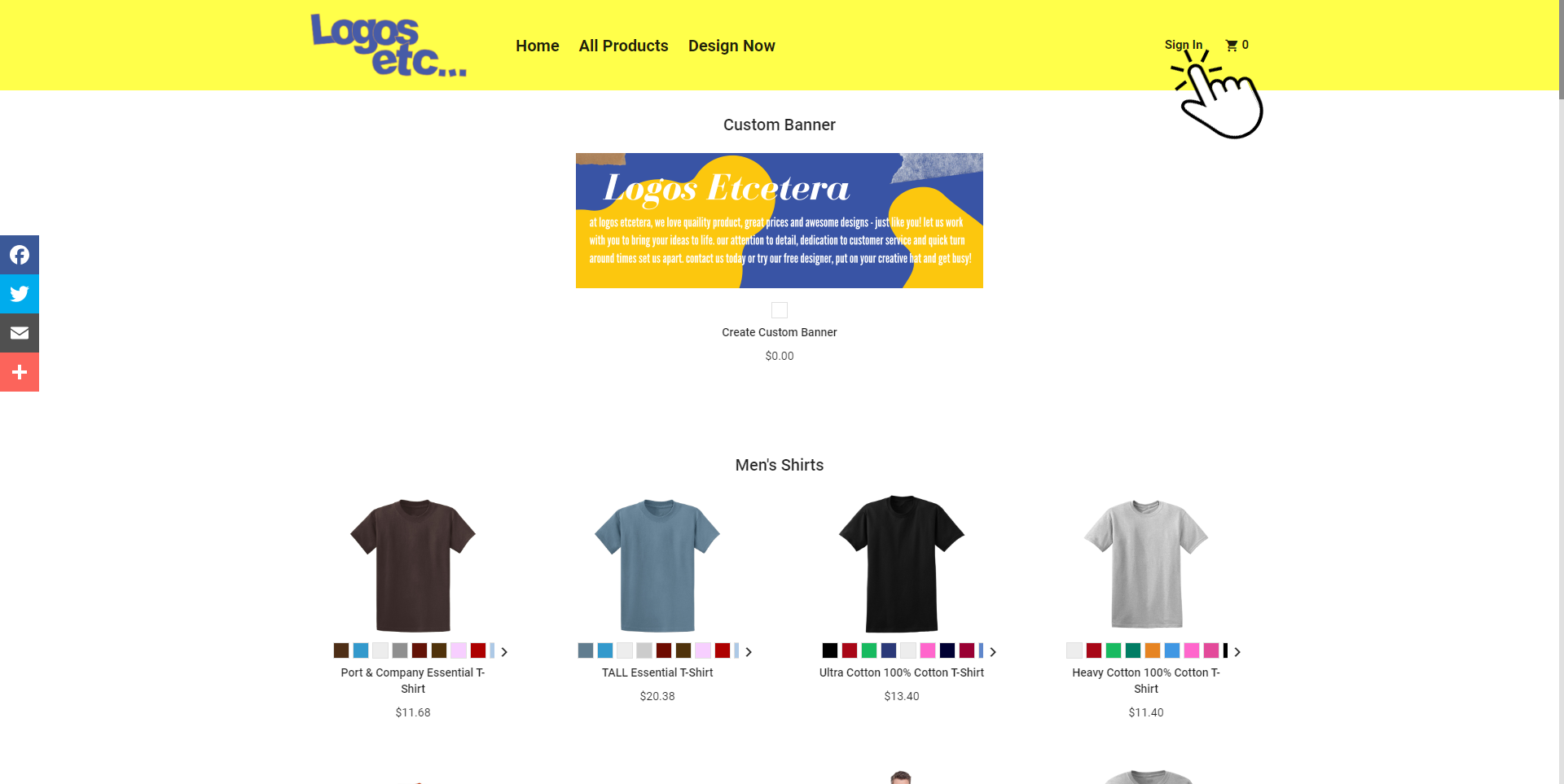
1. Click “Sign In” at the top right and then create an account. Be sure to stick with the same email and/or name as the one you subscribed with.
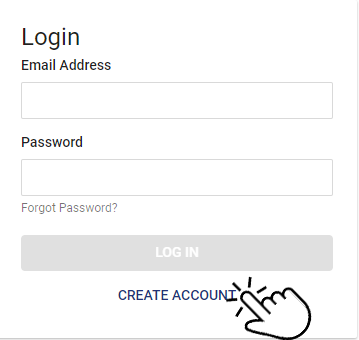
2. Creating an account is required to pick out and design your products. It is also helpful for the future, in the event edits to your site/ products are needed.
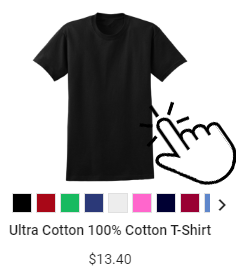
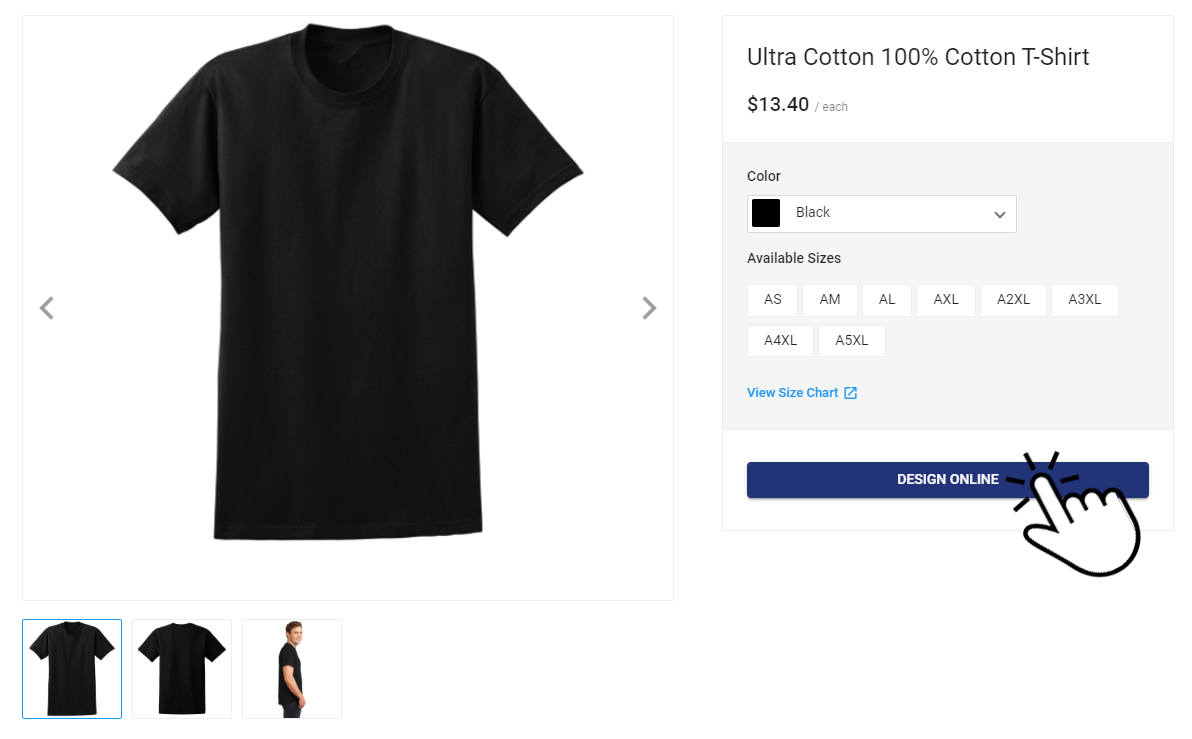
2.To start designing, click on the product and click “Design Online” .
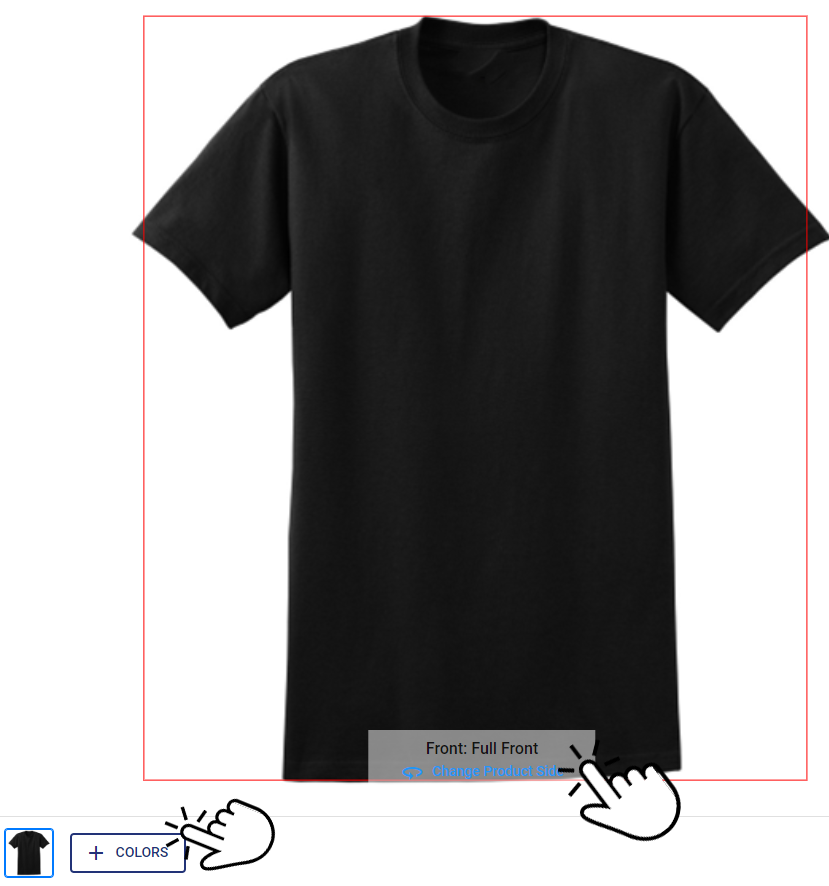
3. Customize this product with your logo and design to reflect the items you sell on your webstore. The red outline shows the design area. To design the back or other sides, click “Change Product Side” at the bottom. Choose your preferred colors for the garment as well. You are free to choose as many colors as you like.
4. The number of products you can select depends on the package you purchased. Any excess products chosen will be voided, and you will be notified to choose within the designated limit of your package. The printing method used will be under the discretion of our professional experience.
1. Once you finish designing the product, click “Next Step” to proceed. Add the product to your cart by selecting any size, click “Get Price” and then “Buy Now”. Remember to save your design. Feel free to continue designing and submitting all your designed products in a single “Order”.
2.To complete your selection of products, go to checkout. You will not be charged nor will you be paying for these products. Click on your cart to review selections. Add a name for your product and set a price in the “Add Special Instructions” box. For example: “LogosByYou cotton t-shirt, $35”.
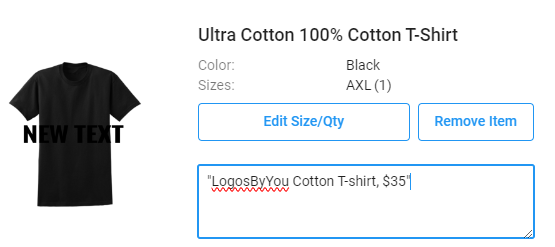
NOTE: To make a profit, set your product price higher than the listed price. For instance, if the product is listed at $40, consider setting the price at $60 to gain a $20 profit per sale. Your profit margin is ultimately up to you
3.Once you have finished pricing and/or naming all of your products, proceed to the checkout. Select “Pick up” as the preferred option. The crucial step is to click on “Arrange Payment Later.” Please note that there is NO CHARGE for placing this order. DO NOT ENTER YOUR CARD INFO. Once done, click “Place Order.”
Congratulations! Your webstore is now all set. The next step is to wait for us to set it up, and your site will be launched soon
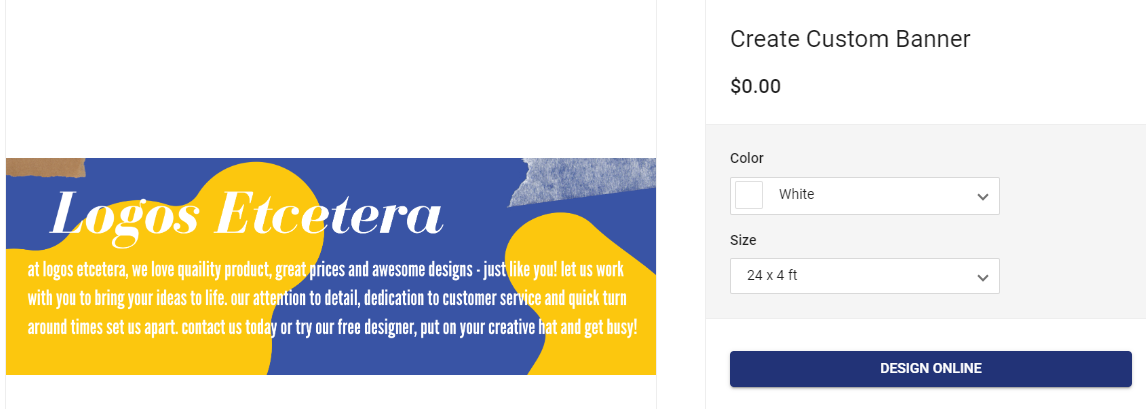
You also are able to design your own personal banner to use on your site. This is completely optional, but you are free to design and submit a banner for your webstore.
If you’re looking for a certain product that is not offered on our reseller website, feel free to Contact Us